What Software Testing and QA Are
How can you be sure that your application works exactly as intended? Every function must perform its role according to the requirements - and that is what software testing and quality assurance (QA) are for.
QA is not just a development stage but a key quality control tool. It helps identify errors, flaws, and defects before users see them, and delivers products that meet expectations and give a competitive advantage. In this guide we cover the main types of testing, our process, the role of a QA engineer, and real projects where testing made the difference.
Why Testing Matters for Business
Functional failures directly affect revenue and reputation. If the payment button or registration form doesn't work, users go to competitors. Systematic testing minimizes these risks because it lets you:
- detect issues before release
- reduce the cost of bug fixes
- guarantee stability and reliability
- ensure a positive user experience
- comply with industry standards and requirements
The earlier testing is built into the software development process, the cheaper defects are to fix - and the less technical debt accumulates.
What Functional Testing Checks
Main Types of Functional Testing
Together these checks form one system that keeps the product stable and aligned with user expectations.
Non-Functional and Specialized Testing
Beyond "does it work", our QA specialists check how well it works.
Assessing speed and scalability under different loads to find and remove bottlenecks.
Checking behavior under high user volume and stressful conditions.
Finding vulnerabilities that put user data at risk.
Evaluating how convenient and intuitive the product is.
Verifying support for different languages and regional settings.
Assessing how the software recovers from errors, failures, or interruptions.
Our Manual Testing Process
Manual testing is performed by our QA specialists to find errors, flaws, and defects that automated checks may miss. The process consists of five steps:
- Study the business requirements so QA clearly understands how the application should work
- Write a test plan and checklist that describe the test strategy and items to check
- Write test cases - detailed scenarios covering all behaviors required by the specification
- Run the tests based on the written test cases
- Document the results to see how well the product works, which problems were found, and how progress develops
We also review documentation and test UI, API, regression, and acceptance scenarios, combining manual and automated testing depending on the project.
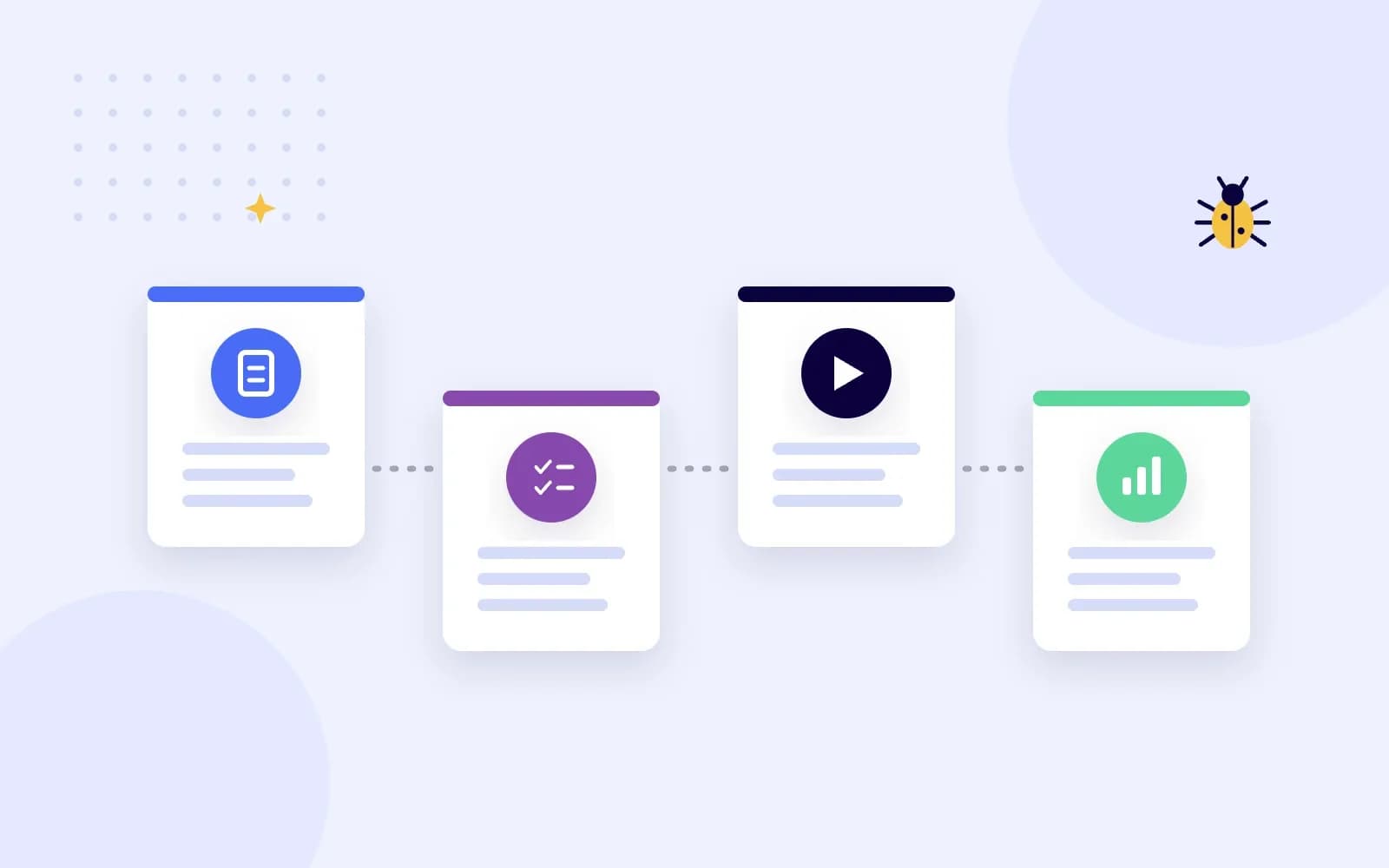
Who Is a QA Engineer and What Do They Do?
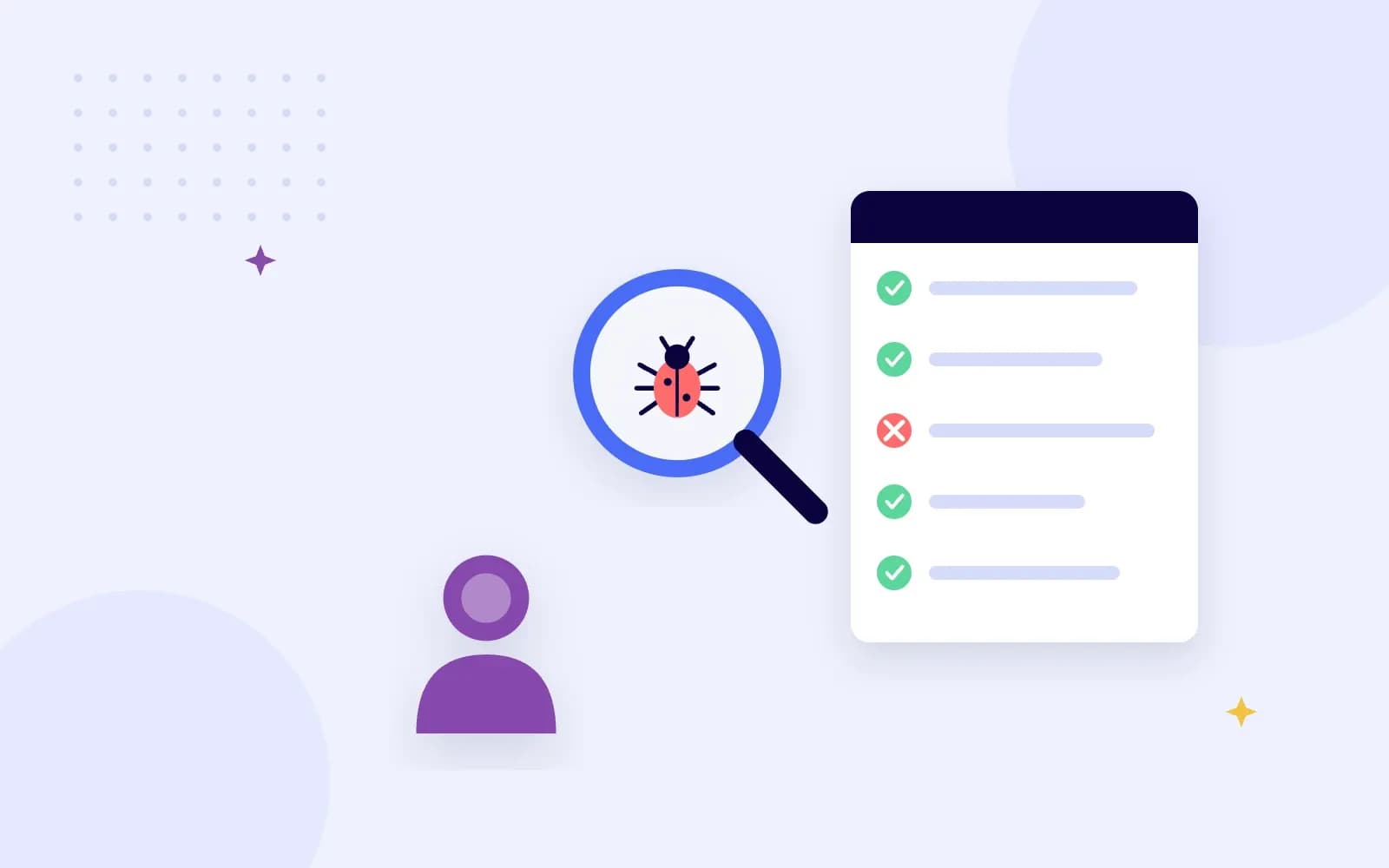
A QA engineer, or software tester, ensures the quality and correctness of a software product: they verify that it meets requirements and works flawlessly, and eliminate defects before the product reaches users.
- Test planning and design: decide what to check and create test plans and scenarios
- Test execution: run tests manually or with automated tools to verify functionality, usability, performance, and security
- Bug reporting: document errors with details developers need to fix them
- Collaboration: work closely with developers and take part in team meetings on testing progress and project status
QA as a Career: Pros and Challenges
Software testing is a great entry point into IT for people who love logic and attention to detail.
Pros:
- A key role in creating high-quality software
- Variety: every project is unique
- Constant learning of new technologies and tools
- High demand for qualified QA engineers
Challenges:
- Tight deadlines require stress resistance
- Some tasks can be repetitive
- The field changes fast, so learning never stops
- Misunderstandings with developers about bugs can happen

Developers and Testers: Collaboration Is the Key
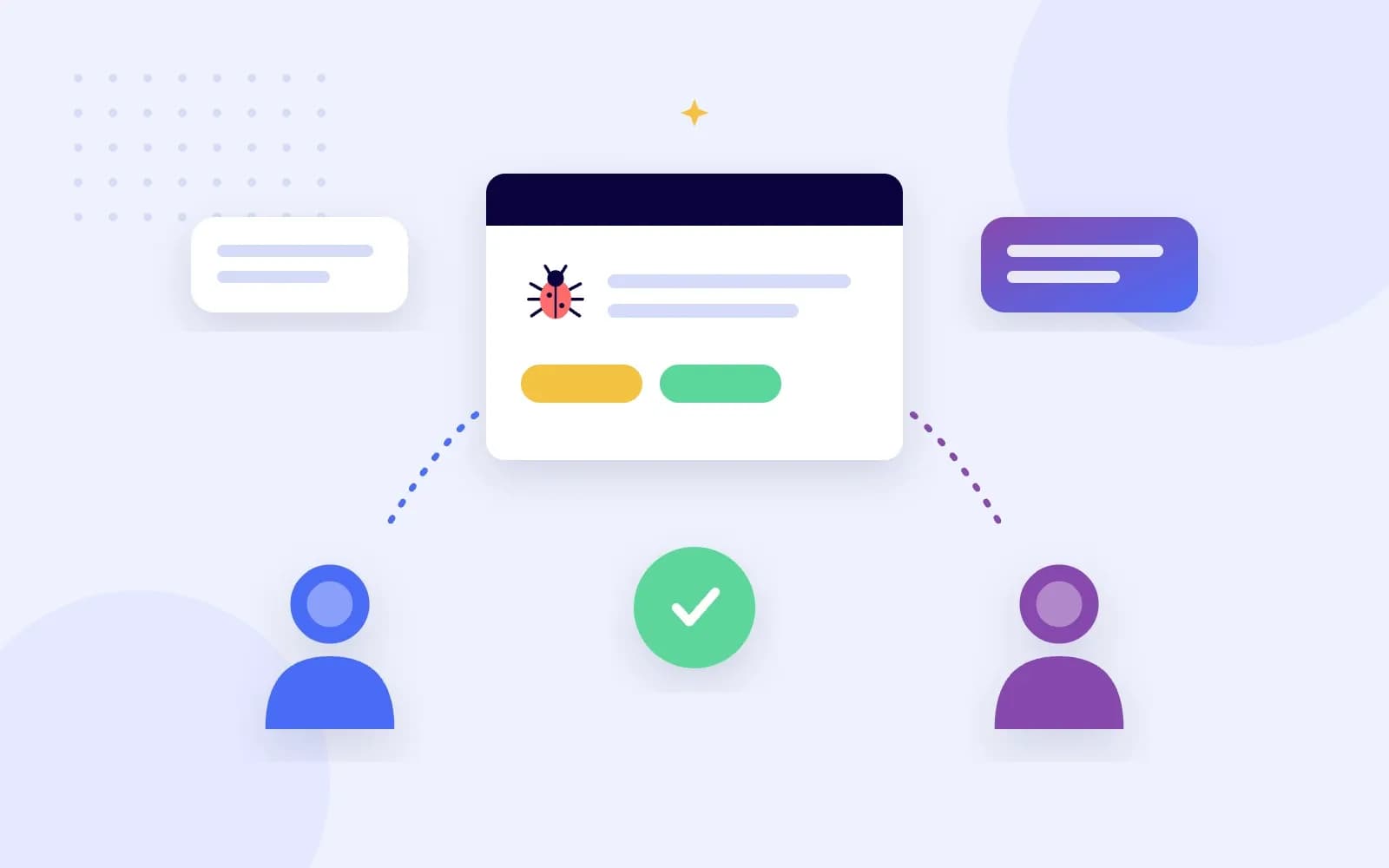
The internet is full of memes about developers who create bugs and testers who find them. But this stereotype is dangerous: in reality, close collaboration between developers and QA is the key to project success.
- Fewer bugs: people who understand each other work more effectively together
- Better testing: developers share how the code works, so QA writes more effective test cases
- Faster fixes: bugs are found and fixed earlier, when they are cheaper
- More job satisfaction and a culture of continuous learning on both sides
What Our QA Engineers Say
"Being a QA engineer is a constant challenge and an opportunity to grow. I love the feeling of finding a non-obvious bug and helping to make the product truly high-quality." - Dmytro, Manual QA, 2.5 years of experience
"QA is not just about finding bugs, it's about taking responsibility for the final result. This profession is for those who love precision, attention to detail, and continuous development." - Anatolii, Automation QA, 5 years of experience
Case Study: SAVY - Automated End-to-End Testing for FinTech
For the FinTech peer-to-peer lending platform SAVY, quality was critical: every lender and borrower flow involves money. We built the web application together with a comprehensive automated testing suite.
The result: 100% end-to-end test coverage across the entire web application. Read the SAVY case study.

Case Study: Chance - Test Scenarios and Regression Plan
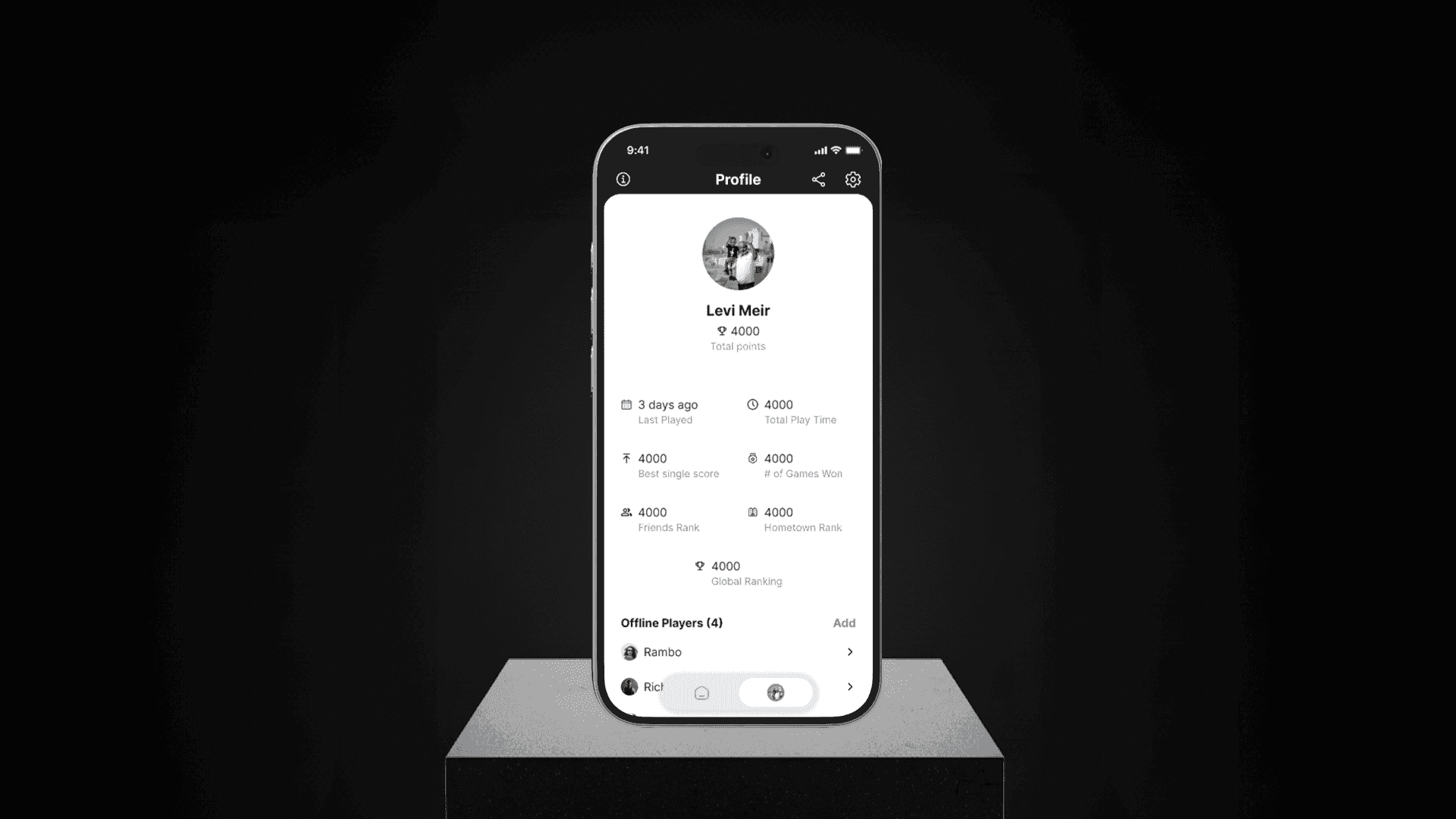
Chance is a cross-platform mobile dice game for Android and iOS with offline mode and automatic data sync. Besides development, we were responsible for comprehensive testing of the product.
We used the Qase platform to describe the architecture, create test scenarios, and build a regression testing plan, making sure all requirements and standards were met. See the Chance case study.
Case Study: STVOL - Multi-Device QA for a Loyalty App
STVOL, Ukraine's largest firearms retail network, replaced plastic loyalty cards with a Flutter mobile app featuring barcode checkout, point balances, and a product catalog.
Manual and automated multi-device QA ensured 100% stable barcode checkout and WebView operations. Explore the STVOL case study.

QA Results in Our Projects
Figures from the case studies above.
QA Library: Must-Read Books
A few fundamental books that help both beginners and experienced testers expand their knowledge of testing methods and approaches:
- Testing Computer Software - Cem Kaner, Jack Falk, Hung Q. Nguyen
- Software Testing Techniques - Boris Beizer
- Testing Object-Oriented Systems: Models, Patterns, and Tools - Robert V. Binder
- Lessons Learned in Software Testing: A Context-Driven Approach - Cem Kaner, James Bach, Bret Pettichord
- The Art of Software Testing - Glenford J. Myers
- Agile Testing: A Practical Guide for Testers and Agile Teams - Lisa Crispin, Janet Gregory

FAQ About Software Testing and QA
Need Reliable QA for Your Product?
BuildApps specialists organize testing at every stage - from requirements to release and post-launch support - so your application meets both business requirements and user expectations.
Tell us about your project, and we will propose the right mix of manual and automated testing.